Προσφορές
  Προπαραγγελίες
 Video Games
 Used Games
  Β' Διαλογής
  Κονσόλες
  Retro
Retro  Service

 New Retro
  Import Japan
  Customized Items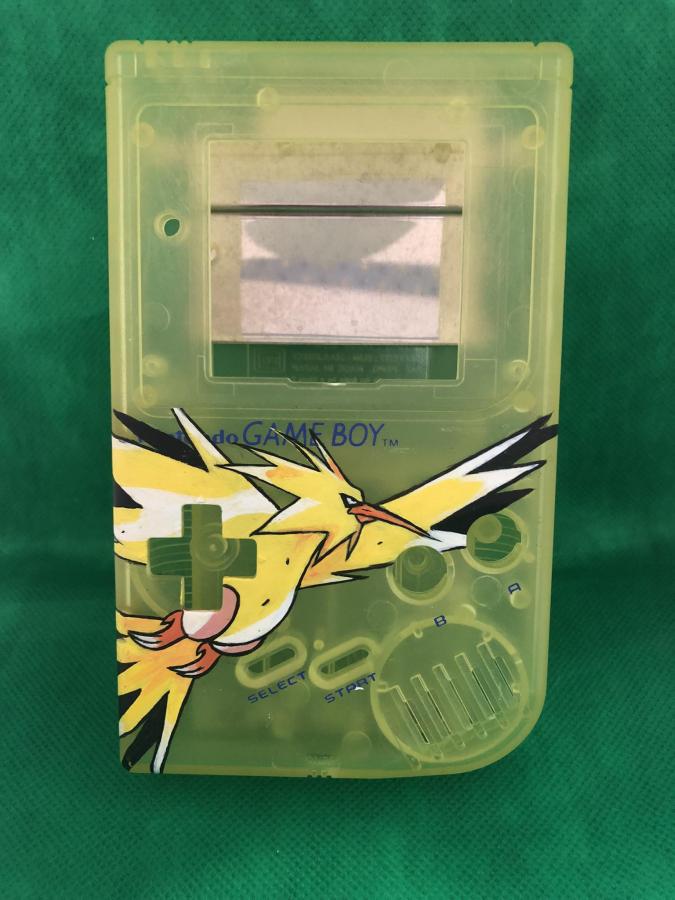
 Arcade Coin-Op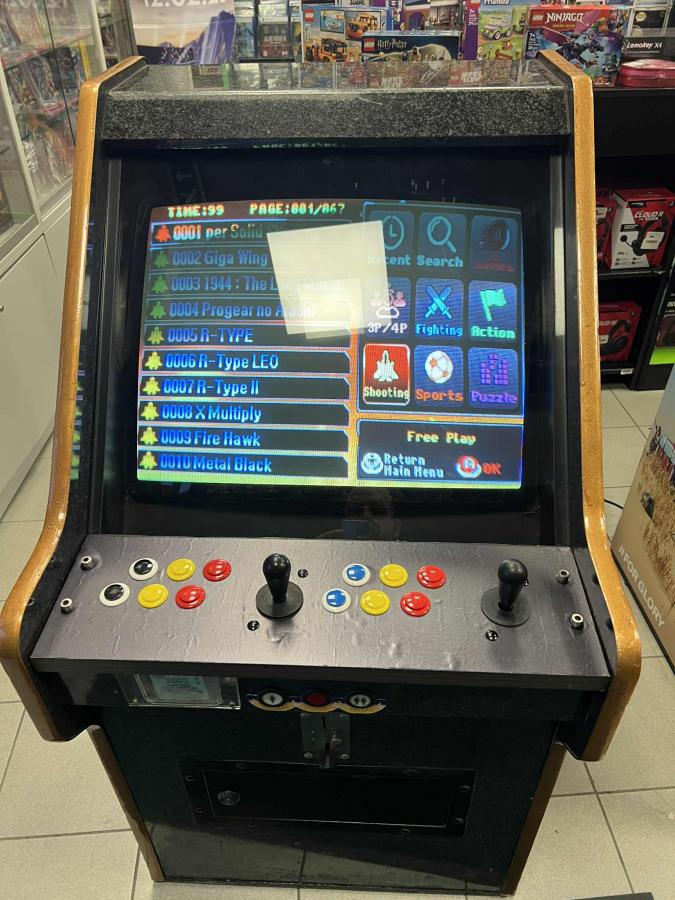
 Περιφερειακά PC
  Περιφερειακά Κονσολών
 Η / Υ
Η / Υ 
 Smart Living
  Electrical Supplies
  Εικόνα & Ήχος
 Drones
  Merchandise & Φιγούρες
 Toys & Gadgets
 Books/Comics
  Κινητή Τηλεφωνία
 Ηλεκτροκίνηση
  Βρεφικά Είδη
 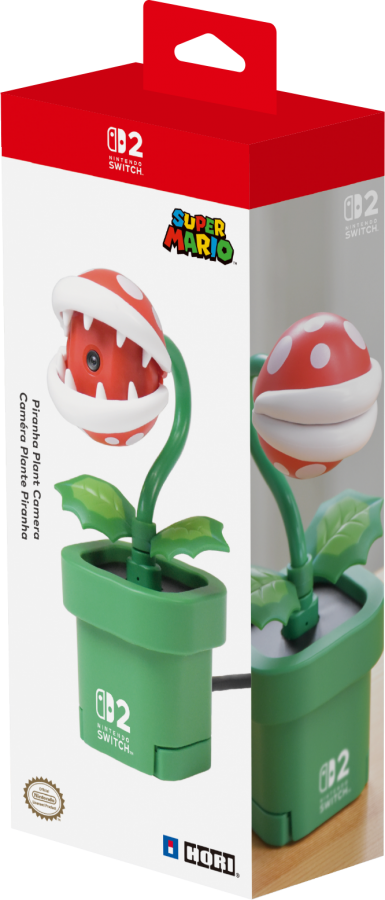 Nintendo Switch 2 Camera Piranha Plant
 Nintendo Switch 2 Camera Piranha Plant
 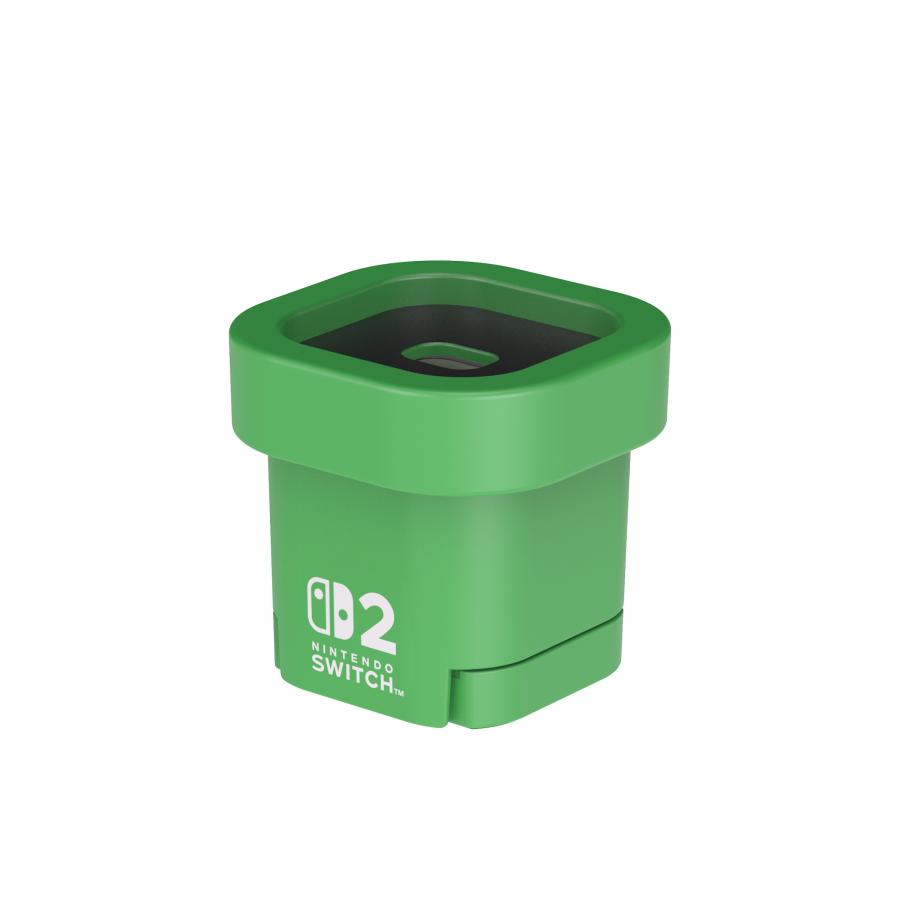 Nintendo Switch 2 Camera Piranha Plant
 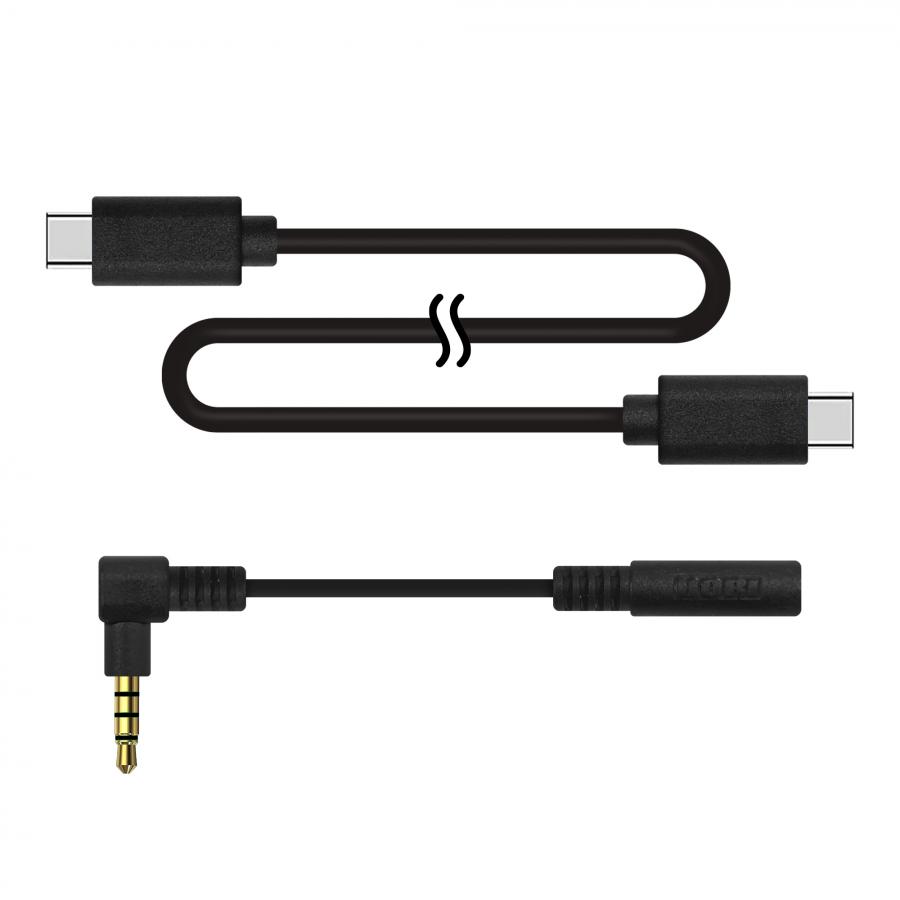 Nintendo Switch 2 Camera Piranha Plant
 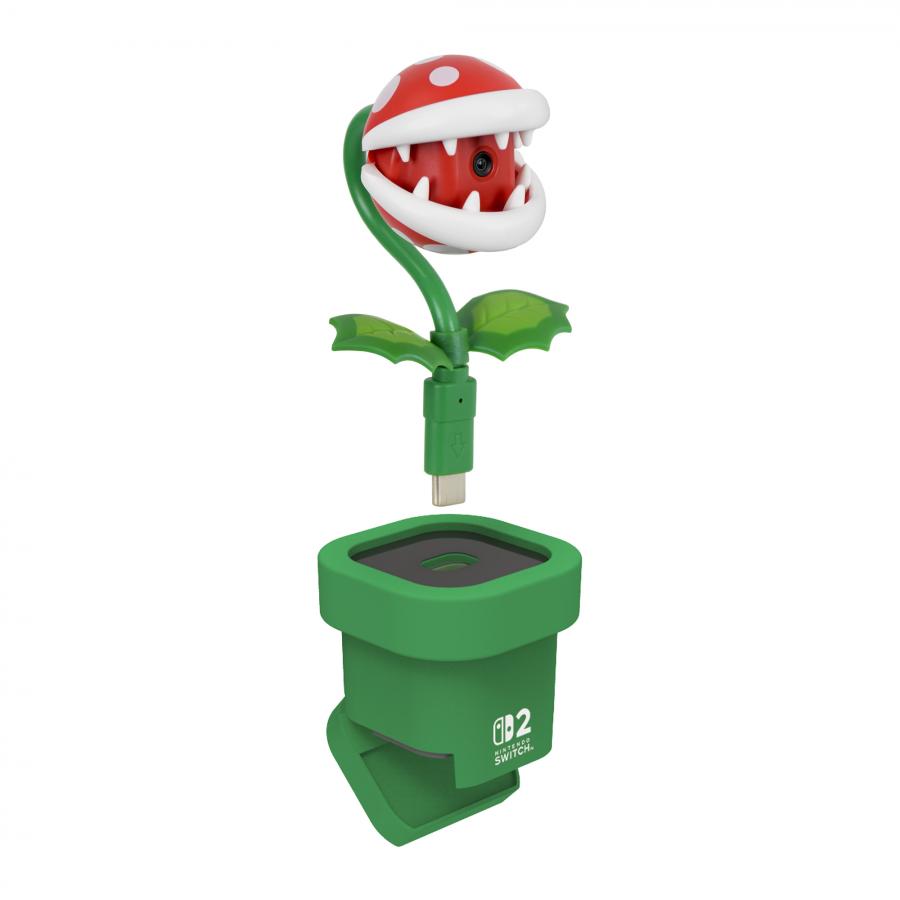 Nintendo Switch 2 Camera Piranha Plant
  Nintendo Switch 2 Camera Piranha Plant
  Nintendo Switch 2 Camera Piranha Plant
  Nintendo Switch 2 Camera Piranha Plant
 Nintendo Switch 2 Camera Piranha Plant

39,90 €
Σχετικές Προπαραγγελίες











Κατά τη κυκλοφορία της κονσόλας ο συγκεκριμένος κωδικός αξεσουάρ ενδέχεται να έχει πολύ χαμηλή διαθεσιμότητα. Στη περίπτωση που δεν μπορούμε να καλύψουμε όλες τις προπαραγγελίες Day One θα υπάρξει επικοινωνία μαζί σας για επιβεβαίωση εκ νέου της παραγγελίας και τη παραλαβή του σε νέα μελλοντική ημερομηνία.
HORI Piranha Plant Camera for Nintendo Switch 2

Product Overview:
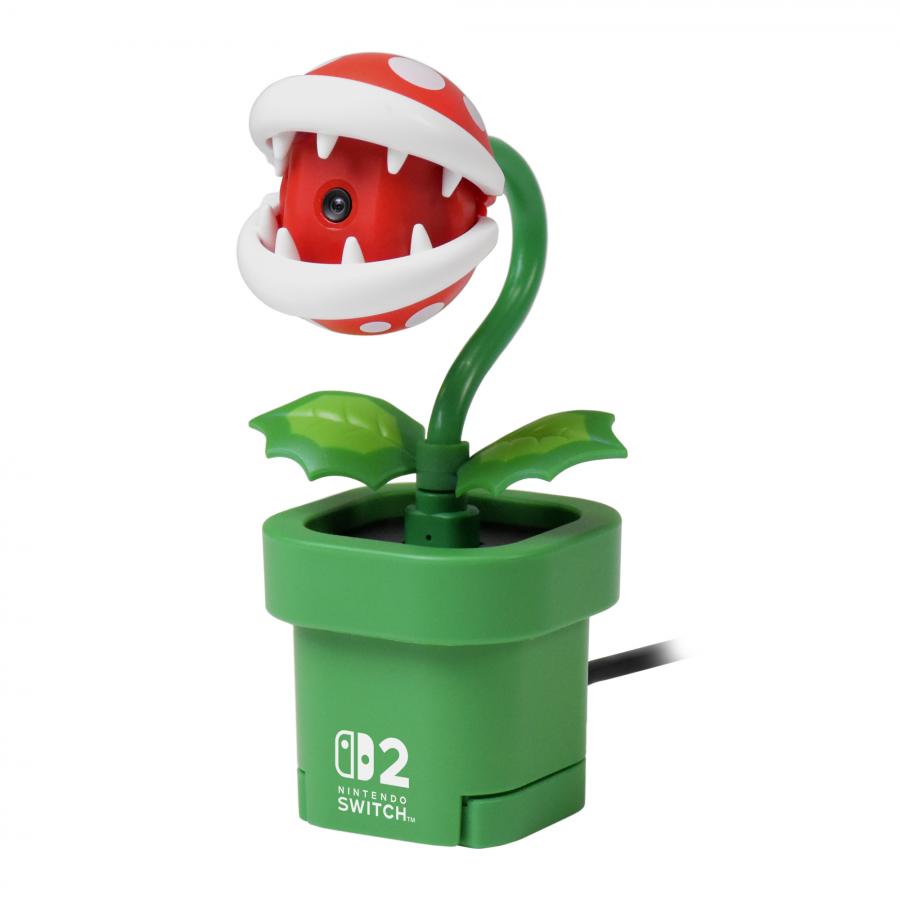
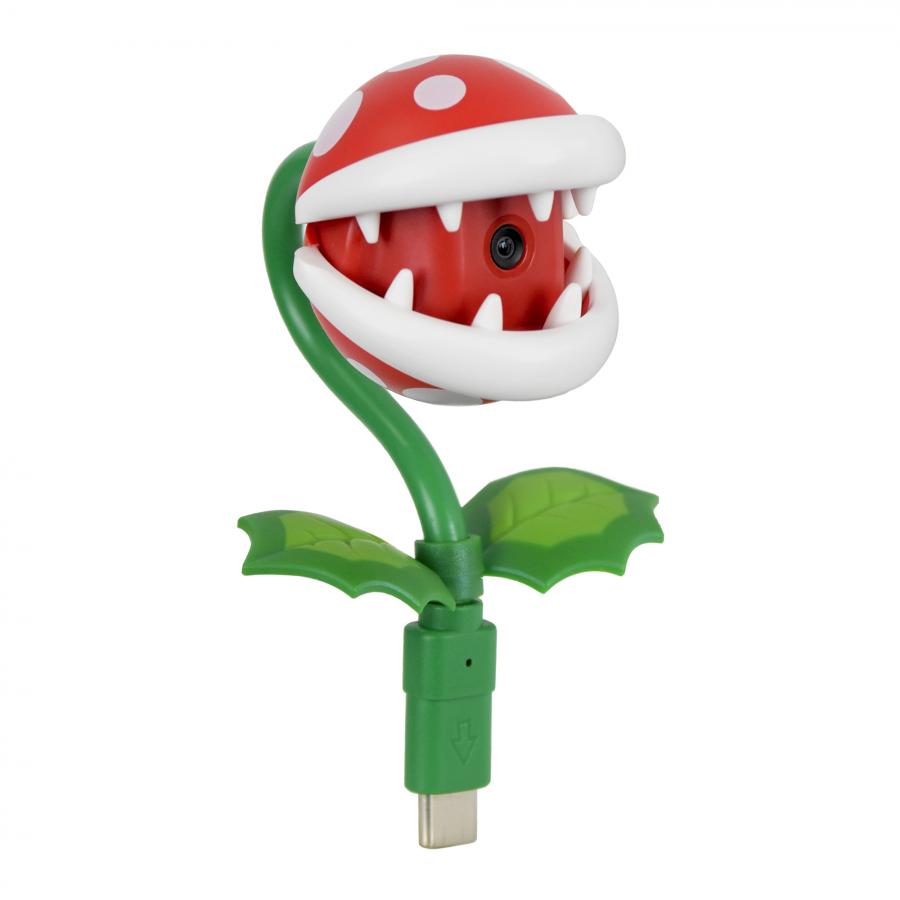
The HORI Piranha Plant Camera for Nintendo Switch 2 is a USB-C video camera for the Nintendo Switch 2. The Camera Unit connects directly to the Nintendo Switch 2 console via USB-C connection for use in portable mode and tabletop mode, or connects to the Nintendo Switch 2 via the included Base unit and USB-C to UBC-C Cable for TV mode and tabletop mode. Connecting the Piranha Plant Camera enables the use of video capture and streaming in video chat and other video capture enabled Nintendo Switch 2 software.
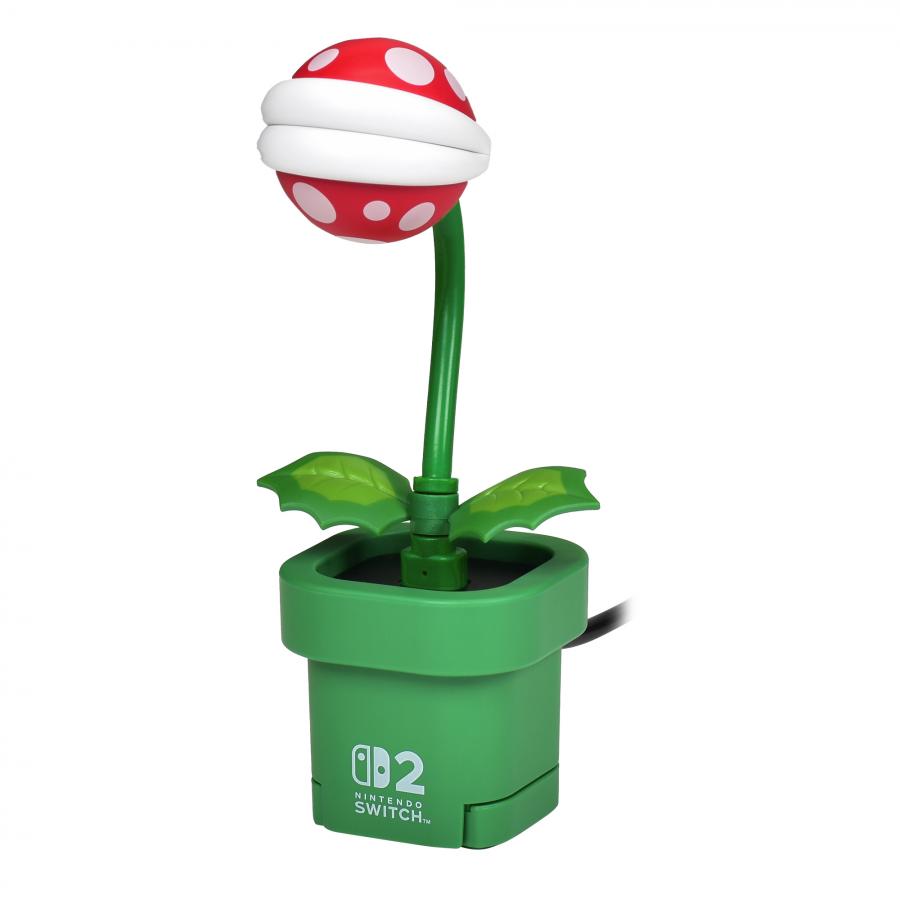
The product itself is designed to visually resemble the Piranha Plant character from the Super Mario universe. The flexible neck stalk of the camera unit allows the camera angle to be adjusted as needed, and the mouth of the Piranha Plant can be closed, obscuring the camera lens and acting as a lens cover. The Base unit is shaped like the Warp Pipe from the Super Mario universe. It is weighted for stability when placed on flat surfaces. The Base also has an adjustable clip on the bottom of unit that allows it to be mounted to TVs and monitors during use in TV mode.
The product includes the following:
-
Piranha Plant Camera Unit x 1
-
Base x 1
-
USB Cable (USB-C to USB-C), 1.5m length x1
o
Used to connect the Base to the Nintendo Switch 2 Dock
-
3.5mm Stereo Right Angle Adapter
o
Used to connect headphones to the Nintendo Switch 2 system if the user’s headphone plug interferes with the operation of the Camera Unit
-
Instruction Manual
Key Features:
-
USB Camera for the Nintendo Switch 2
-
Compatible with TV mode, portable mode, and tabletop mode.
-
Flexible neck and mouth that can open and close
-
30fps 640x480 resolution camera with 80 degree viewing angle
-
Includes USB-C Cable and 3.5mm Stereo Right-Angle Adapter
-
Officially Licensed by Nintendo®
Functions / Initial Set up
- For portable mode:
1. Plug the Camera Unit directly into the USB-C port on the top of the Nintendo
Switch 2 system
2. Open the mouth parts of the camera to make the camera lens visible
3. Adjust the position of the camera to face it toward your face or the object to be
the subject of the video.
4. Turn on the Nintendo Switch 2 and start compatible software for use.
- For TV mode:
1. Plug the Camera Unit into the USB-C port on the top of the Base unit
2. Plug the included USB-C cable or compatible USB-C cable into USB-C port on
the rear of the Base unit.
3. Plug the opposite end of the USB-C cable into the upper USB-C port of the
docked Nintendo Switch 2 system.
4. Open the mouth parts of the camera to make the camera lens visible.
5. Position the Base and camera so it is facing the general area that will be the
subject of the video.
6. As desired, use the adjustable clip on the bottom of the base to mount it to a TV
or monitor. (Please take care not to let the camera fall. Please see the instruction
manual for more information.)
7. Adjust the position of the camera to face it toward your face or the object to be
the subject of the video.
8. Turn on the Nintendo Switch 2 and start compatible software for use.
- For tabletop mode (Option 1):
1. Plug the Camera Unit directly into the USB-C port on the top of the Nintendo
Switch 2 system
2. Open the mouth parts of the camera to make the camera lens visible
3. Adjust the position of the camera to face it toward your face or the object to be
the subject of the video.
4. Turn on the Nintendo Switch 2 and compatible software for use.
For tabletop mode (Option 2):
1. Plug the Camera Unit into the USB-C port on the top of the Base unit
2. Plug the included USB-C cable or compatible USB-C cable into USB-C port on
the rear of the Base unit.
3. Plug the opposite end of the USB-C cable into the USB-C port on the top of the
Nintendo Switch 2 system.
4. Open the mouth parts of the camera to make the camera lens visible.
5. Position the Base and camera so it is facing the general area that will be the
subject of the video.
6. Adjust the position of the camera to face it toward your face or toward the object
to be subject of the video.
7. Turn on the Nintendo Switch 2 and start compatible software for use